ContinuCam: privacy-focused background recording with remote control
ContinuCam records video and audio in the background, including screen-off capture and remote-triggered sessions, letting you capture uninterrupted footage reliably. Developed by Serevon Labs, the Android photography tool centres on private, dependable capture rather than social sharing. Key capabilities include on-device encrypted media storage, customizable recording profiles, and remote-control access. It fits privacy-conscious users and professional recorders who need discreet, continuous capture and predictable behaviour during high-stakes recording tasks.
How the app approaches dependable capture
The app focuses on uninterrupted, background recording rather than casual camera use, offering background and screen-off recording for discreet sessions. The recording workflow emphasises reliability, with customizable profiles that let you set recording parameters ahead of time. What's more, the app supports remote control so you can start and stop capture from another device, which changes how you stage multi-device or unattended shoots.
Where privacy and storage are handled on-device
ContinuCam stores captured media in encrypted on-device storage, a privacy-first design that keeps footage local instead of relying on external services. The encrypted storage protects photos and videos while they remain on the device, which suits users who require tighter control over access to recorded files. The developer presents the encryption as a core priority rather than an add-on.
Who gets value from the interface and controls
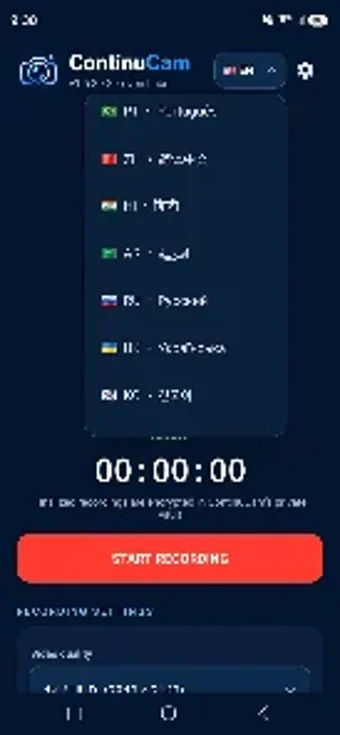
The interface is described as clean and focused, and the app exposes flexible recording controls through customizable profiles that adapt to different environments. That means someone who records frequently can set up tailored profiles for lighting or duration and reuse them. The layout supports everyday use without social-media features, steering the workflow toward practical capture tasks rather than quick sharing.
Performance expectations and practical limits
The tool targets modern Android camera and security frameworks, indicating it runs best on contemporary devices that support background camera access and strong system security. Remote-control and background modes extend the camera’s reach, but they also depend on device-level permissions and the Android platform’s camera APIs. Users should plan their setup around those platform constraints when they deploy the app in critical situations.
In conclusion, choose this app for discreet, controlled recording
ContinuCam suits privacy-minded recorders and professionals who need predictable, unattended capture and device-local security. It trades casual sharing conveniences for a focused capture workflow and control, so it’s most appropriate when reliability and on-device privacy matter more than immediate social features.